BUILT FOR
Marketers, event organizers, small businesses, and teams connecting printed material to online experiences.
The challenge
A QR code printed on a sign or brochure can outlive the page it originally pointed to. Untracked codes also leave you guessing whether a campaign is being used. QRcoder manages the code and its routed destination inside WordPress.
What gets easier
Keep printed material useful
Use a WordPress-managed destination so the campaign can evolve after the code is printed.
Recognize the campaign
Create branded codes and organize them by the work they support.
Measure engagement
Review scan activity and campaign windows from a common dashboard.
What you can do
Branded code creation
Create QR codes with product-supported appearance controls.
Managed routing
Route scans through your WordPress installation to the destination you configure.
Campaign windows
Organize code availability around campaign timing.
Scan reporting
Inspect recorded scans, recent engagement, and code-level reports.
Focused dashboard
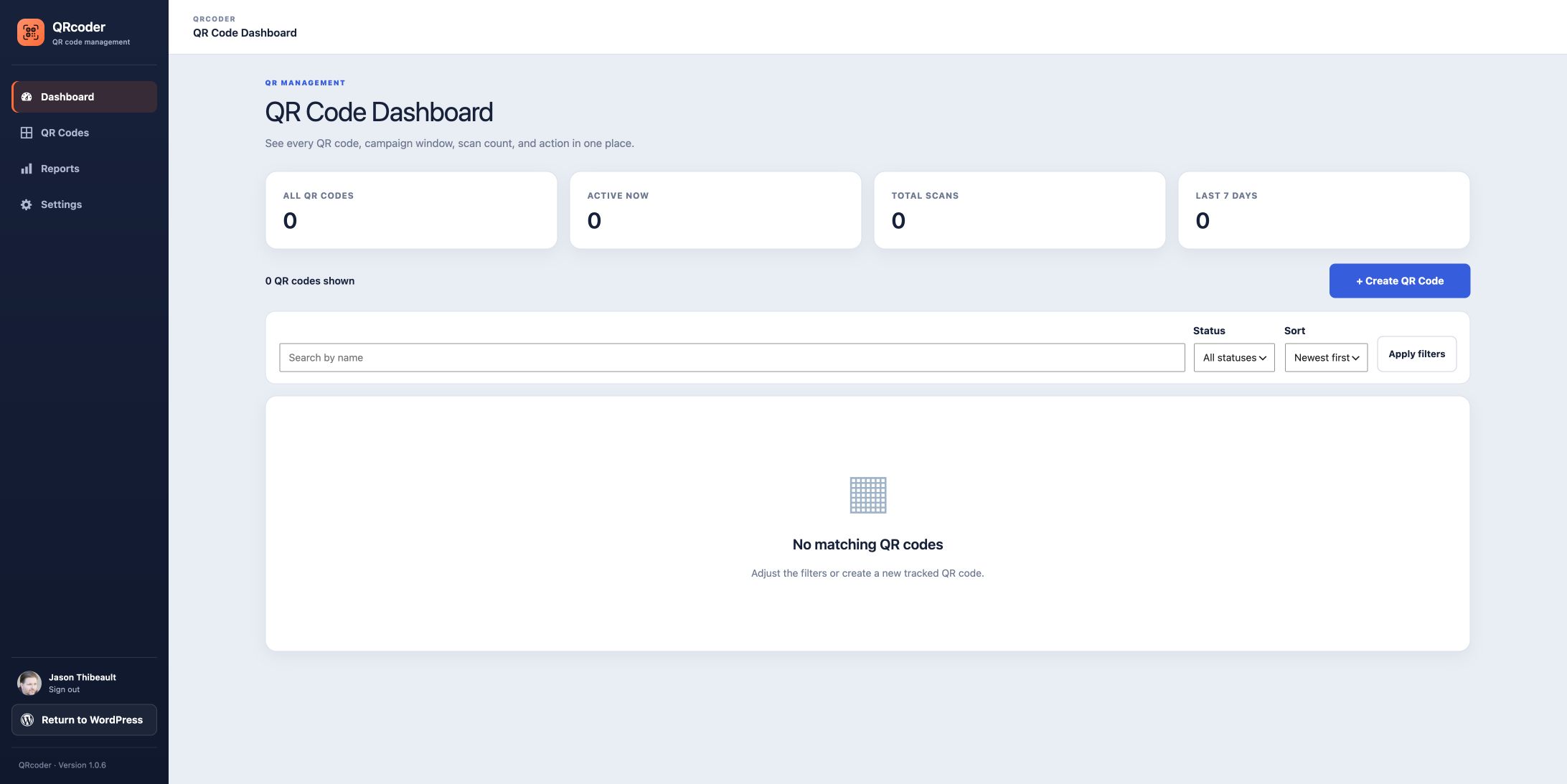
Search and manage codes, status, and actions from a dedicated workspace.
Agent integration
Use supported RADMCP operations with the site owner’s enabled access controls.
From first step to finished work
- Create a code and configure the destination and any supported campaign timing.
- Download the code and place it on the intended printed or digital material.
- Monitor scans and update the routed destination as the campaign evolves.
Inside QRcoder
Make it part of your workflow
Install the plugin through WP-CLI, then configure its workspace and required connections. Use a suitable backup and validate the relevant workflows before introducing it to an existing site.
Choose the license option that fits your installation. Contact RADGroup for help selecting a license or planning your deployment.
Your questions, answered
Can I change the destination after printing?
Codes that point through the managed WordPress route can use an updated destination without changing the printed code.
Does my website need to remain available?
Yes. A code using your WordPress redirect route depends on that site and route remaining reachable.
Do scans equal unique people?
No. Scan counts represent recorded activity. Repeat scans and automated traffic may affect the totals.
Can an AI agent create or inspect codes?
Supported QRcoder tools can be exposed through RADMCP when enabled by the site administrator.
Customer reviews
No published customer reviews yet.